
Should You Unplug Electronics During a Thunderstorm?
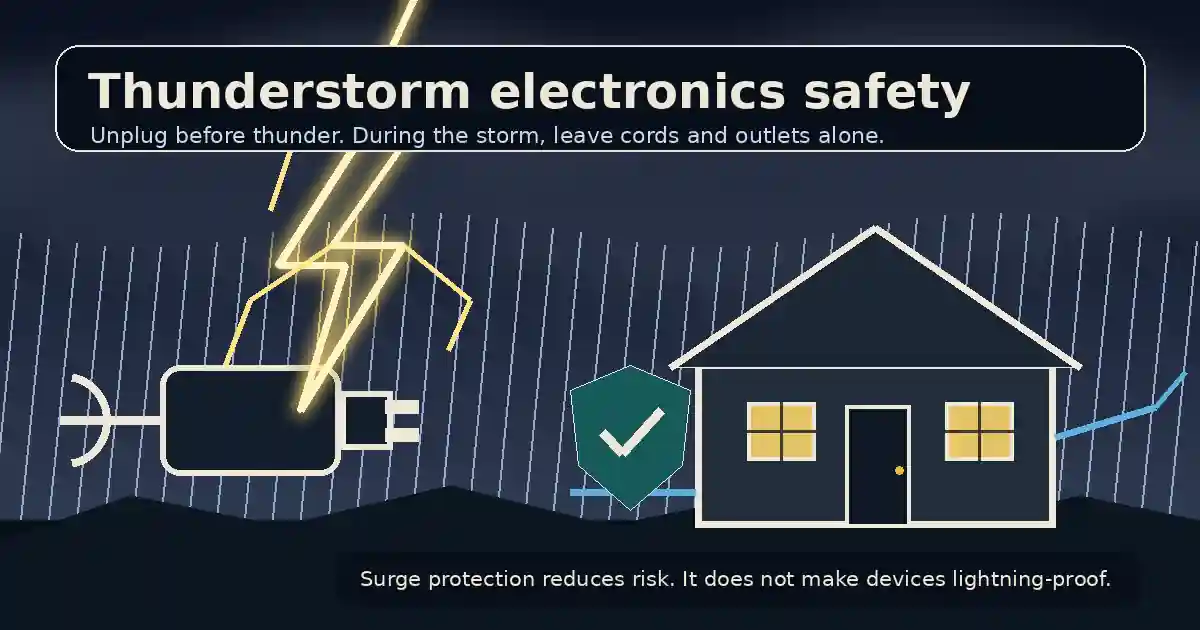
Unplug optional sensitive electronics when thunderstorms are forecast, but do it before thunder begins. Once the storm is active, do not touch plugs, cords, outlets, or connected equipment. Surge protectors can reduce damage from many surges, but neither a power strip nor a surge protector guarantees protection from a direct lightning strike.
What to know
- Unplug easy-to-disconnect sensitive electronics before thunder begins, not during the active storm.
- Avoid connected electrical equipment, cords, plumbing, and corded phones while thunder is occurring.
- A power strip is not automatically a surge protector, and no surge device makes electronics lightning-proof.
- Keep medical and life-safety equipment operating according to its established manufacturer, clinical, or emergency plan.
Yes, unplug sensitive electronics when a thunderstorm is forecast if you can do it before thunder begins. Once the storm is active, leave plugs, cords, outlets, and connected equipment alone.
That timing matters more than people realize. The National Weather Service says lightning can enter a building through a direct strike, through wires or pipes that extend outside, or through the ground. Once inside, it can travel through electrical wiring, phone lines, plumbing, and radio or television reception systems. The same agency specifically warns not to unplug equipment during a thunderstorm because touching the equipment can expose you to the hazard you are trying to avoid. [1]
The safe rule in one sentence
Unplug optional sensitive electronics before the storm; during the storm, protect yourself by not touching connected equipment.
Ready.gov gives the same basic indoor guidance: avoid electronic devices connected to electrical outlets while a thunderstorm is underway. [2]
This is not a command to sprint around the house whenever a cloud looks judgmental. It is a planning rule. Check the forecast, disconnect what is practical in advance, and then stop fiddling with the electrical system once thunder is close enough to hear.
What should you unplug before a thunderstorm?
Start with expensive or sensitive devices that are easy to disconnect and are not needed for safety:
- desktop computers and monitors;
- televisions, game consoles, and home-theater equipment;
- printers and powered speakers;
- modems and Wi-Fi routers;
- chargers that are not actively needed;
- countertop appliances with electronic controls;
- smart-home hubs and nonessential network equipment.
For a desktop computer, save your work and shut it down normally before unplugging it. Pulling power from a running machine is an excellent way to protect it from lightning while introducing a completely different problem.
If a device has more than one wire leaving the house, think beyond the power cord. A modem may connect to power plus coaxial cable, a telephone line, or fiber equipment. A television may connect to power plus an outdoor antenna or cable line. The National Weather Service notes that lightning can travel through phone and radio or television reception systems, not only through ordinary electrical outlets. [1]
Do not start disconnecting provider-owned fiber boxes, grounded service equipment, electrical panels, or anything you do not understand. The goal is to remove easy, ordinary connections, not to improvise as an electrician because the sky has become theatrical.
What should you leave plugged in?
Do not unplug equipment whose loss of power could create a more serious risk. Examples may include:
- medical equipment;
- refrigerated medicine;
- smoke, carbon-monoxide, or security systems;
- sump pumps;
- essential accessibility equipment;
- refrigerators and freezers when no safer plan exists.
The correct choice depends on the equipment and the person relying on it. Follow the manufacturer’s instructions and any medical or emergency plan already in place. A laptop is replaceable. Someone’s oxygen equipment is not a content-marketing opportunity.
For refrigerators and freezers, ordinary point-of-use unplugging is usually less practical than it is for a computer or television. A properly installed whole-home surge protective device can provide broader protection for hard-to-unplug equipment, but it still does not eliminate every lightning risk.
Do not unplug devices after the storm has already started
This is the most important distinction in the article.
If you already hear thunder, do not walk from outlet to outlet pulling cords. Avoid contact with:
- electrical equipment and cords;
- corded telephones;
- plumbing, including sinks and showers;
- concrete floors or walls that may contain metal reinforcement;
- exterior doors, windows, porches, and open garages.
The National Weather Service advises staying away from connected electrical equipment during the storm and waiting at least 30 minutes after the last thunder before returning to outdoor activity. [3]
Inside the house, use battery-powered devices when practical. A phone or laptop running on its own battery avoids a direct connection to the building’s electrical system. Do not keep using it while it is plugged into a charger merely because the battery icon has become emotionally demanding.
Will a surge protector protect electronics from lightning?
A real surge protector can reduce damage from many voltage surges, but it does not make connected electronics invincible.
NIST’s consumer guide explains that household equipment can be damaged by unavoidable electrical surges and that protection works best as a coordinated system rather than a single miracle strip under a desk. [4]
There are two useful layers:
- Point-of-use surge protection protects equipment plugged directly into the device.
- Whole-home surge protection is installed at or near the electrical service panel and helps protect the home’s broader electrical system.
The Electrical Safety Foundation International says point-of-use and whole-home protection can reduce risk, but neither can guarantee protection from a direct lightning strike. It also stresses that an ordinary power strip is not automatically a surge protector. [5]
That last point deserves repetition because retail packaging has apparently decided nouns are optional. A strip with six outlets may only provide six outlets. Look for a product explicitly identified as a surge protective device and follow its replacement or status-indicator instructions.
Whole-home surge protection should be selected and installed by a qualified electrician. Do not open the service panel yourself for the same reason you do not perform dentistry with a cordless drill: access to a tool does not confer a license or good judgment.
What about a UPS battery backup?
A UPS can keep a computer or network device running through a brief outage and may provide surge suppression, depending on the model. Its main value is often giving you enough time to save work and shut down cleanly.
Do not assume every UPS protects every connected line or can absorb a nearby lightning event. Check the manufacturer’s specifications for power, coaxial, Ethernet, or telephone-line protection. A UPS is useful equipment, not a small altar that commands the weather.
A practical five-minute storm routine
When thunderstorms are forecast:
- Charge phones and essential battery packs.
- Save work and shut down desktop computers.
- Unplug nonessential computers, televisions, gaming systems, and networking gear before thunder arrives.
- Disconnect easy secondary lines, such as coax or an outdoor antenna connection, only when you know what they are and can do so safely.
- Leave medical and life-safety equipment operating according to its established plan.
- Close windows and move away from outlets, plumbing, and connected equipment once the storm begins.
When the storm has passed, inspect before reconnecting. Stop and get qualified help if you notice:
- a burning smell or smoke;
- scorch marks;
- buzzing, popping, or damaged outlets;
- a tripped breaker that will not reset normally;
- damaged utility lines outside;
- electronics that are unusually hot or visibly damaged.
Stay away from downed power lines and report them to the utility or emergency services. Do not touch a line, a tree resting on a line, or a fence near a fallen line. Electricity has never been impressed by someone’s confidence.
If your router stops working afterward
Reconnect equipment only after conditions are safe. Start with the modem or provider gateway, wait for it to finish starting, and then power the router. If the network still fails, check whether the outage is from the internet provider before replacing hardware.
Our guide to why Wi-Fi keeps disconnecting can help separate a damaged or failing router from ordinary interference and configuration problems. If the device is old, also review how often a Wi-Fi router should be replaced before buying the first blinking plastic object a retailer places at eye level.
Do not keep using equipment that smells burned, has melted plastic, or repeatedly trips a breaker. That is no longer a networking problem.
Bottom line
Unplugging sensitive electronics can reduce storm damage when you do it before the thunderstorm arrives. Once thunder is underway, the safer move is to leave plugs and cords alone and avoid connected equipment.
Surge protectors and whole-home protection are worthwhile layers, but they reduce risk rather than abolish physics. Protect the easy-to-disconnect electronics in advance, keep critical equipment operating under its proper safety plan, and put personal safety ahead of saving a television.
Limits and cautions
- This is general household safety guidance, not a substitute for instructions from an equipment manufacturer, utility, fire department, clinician, or qualified electrician.
- Surge protection reduces risk but cannot guarantee protection from a direct or nearby lightning strike.
- Do not disconnect equipment after thunder has begun; perform optional unplugging before the storm reaches the area.
- Critical medical, accessibility, refrigeration, alarm, and pumping equipment may require continuous power or a specialized backup plan.
Source notes
- Lightning IndoorsNational Weather Service
- Thunderstorms & LightningReady.gov, Federal Emergency Management Agency
- Lightning TipsNational Weather Service
- Surges Happen! How to Protect the Appliances in Your HomeNational Institute of Standards and Technology
- Surge Protection – Keeping Your Electronics and Home SafeElectrical Safety Foundation International
See something wrong or out of date? Report a correction.