
How Often Should You Replace Your Wi-Fi Router?
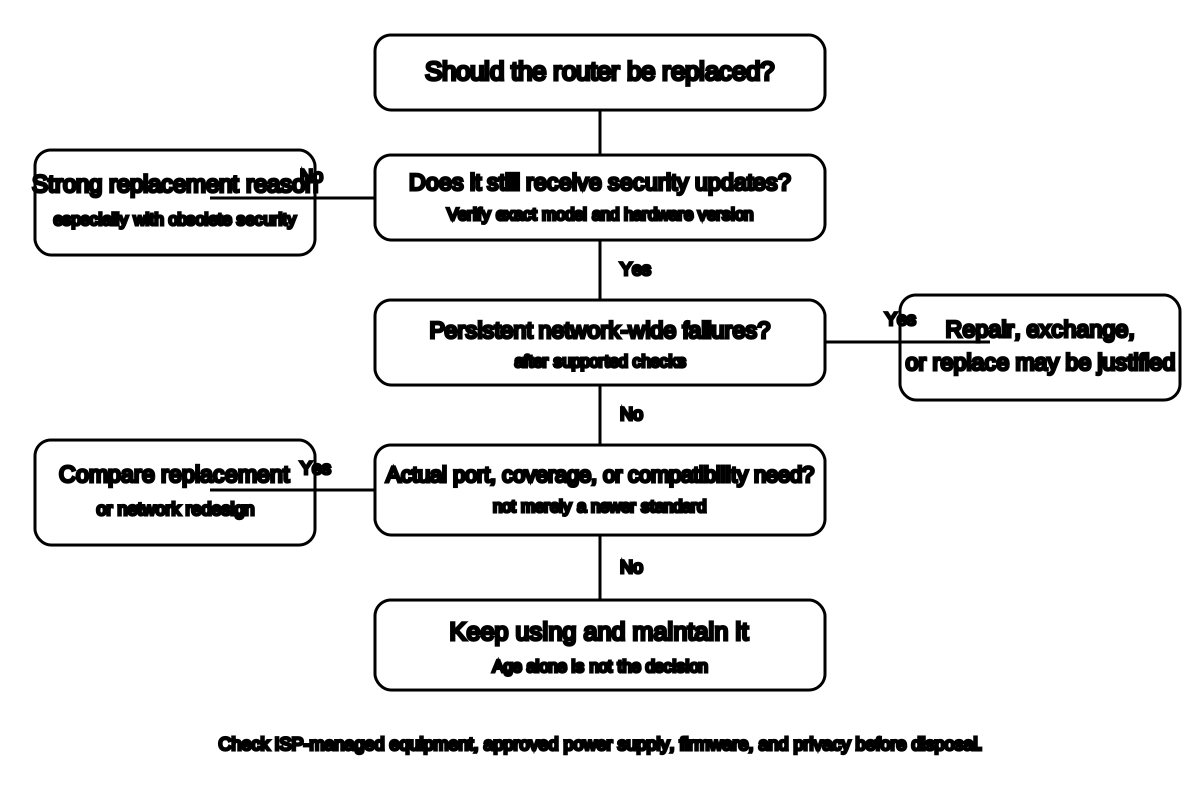
Check support status first. A stable router receiving security updates may remain useful. A newer-looking router without support can be a worse choice than an older supported one.
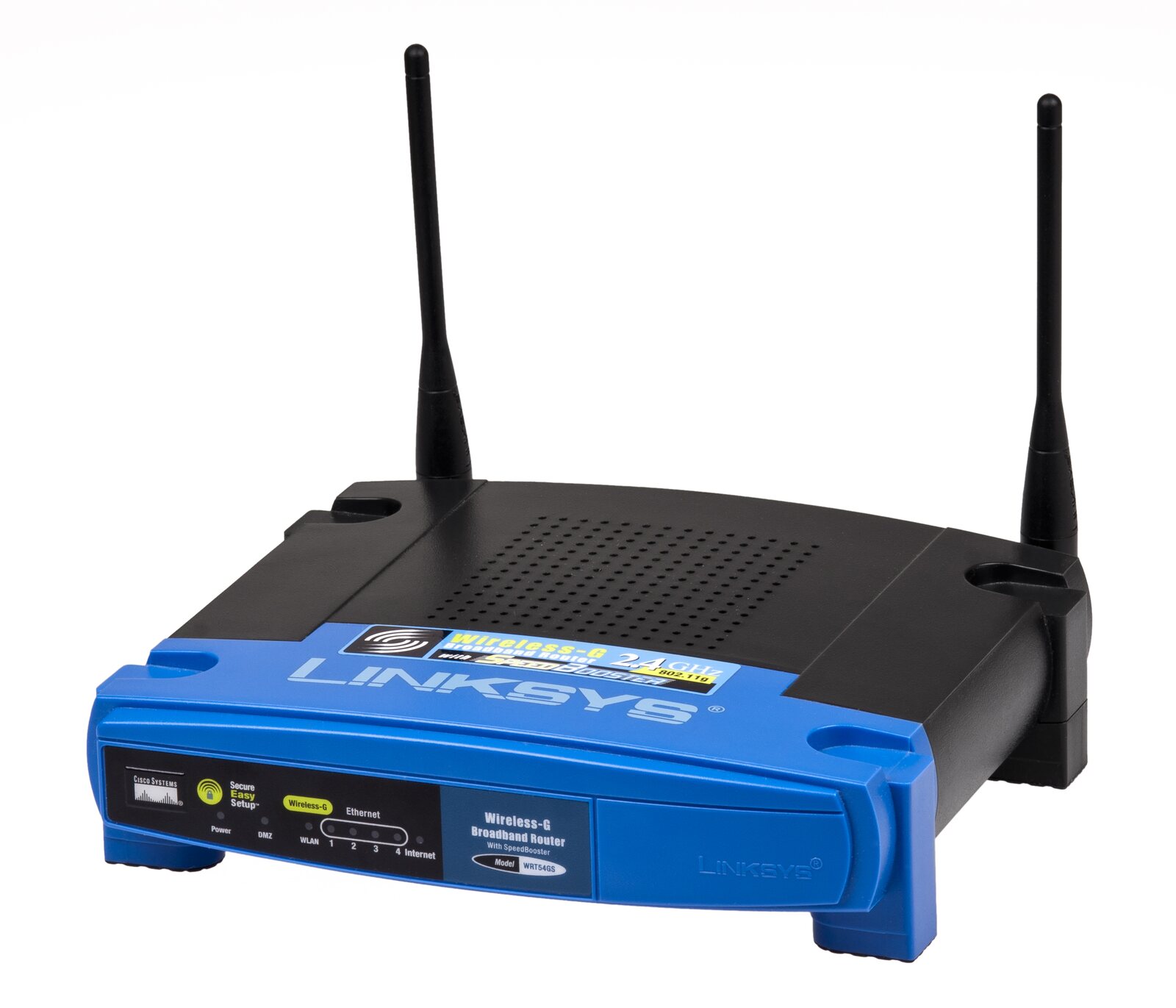

There is no universal rule that every router must be replaced after three, five, or seven years.
Replace a router when evidence shows that:
- Security support has ended
- Current firmware is unavailable
- Only obsolete Wi-Fi security is supported
- It remains unstable after supported troubleshooting
- Ports or radios cannot meet actual needs
- The ISP or manufacturer confirms a fault
- A new network design requires compatible hardware
Quick answer: Check support status first. A stable router receiving security updates may remain useful. A newer-looking router without support can be a worse choice than an older supported one.
Age is a clue, not a verdict
Router age can correlate with:
- Older Wi-Fi standards
- Slower ports
- Less memory
- No WPA3
- No 6 GHz support
- Fewer updates
- Aging power supply
- Greater device load than originally expected
But age alone does not prove failure.
A simple supported router may work well for a modest household. A newer router can fail early, be poorly placed, or have bad firmware.
The strongest replacement reason: support ended
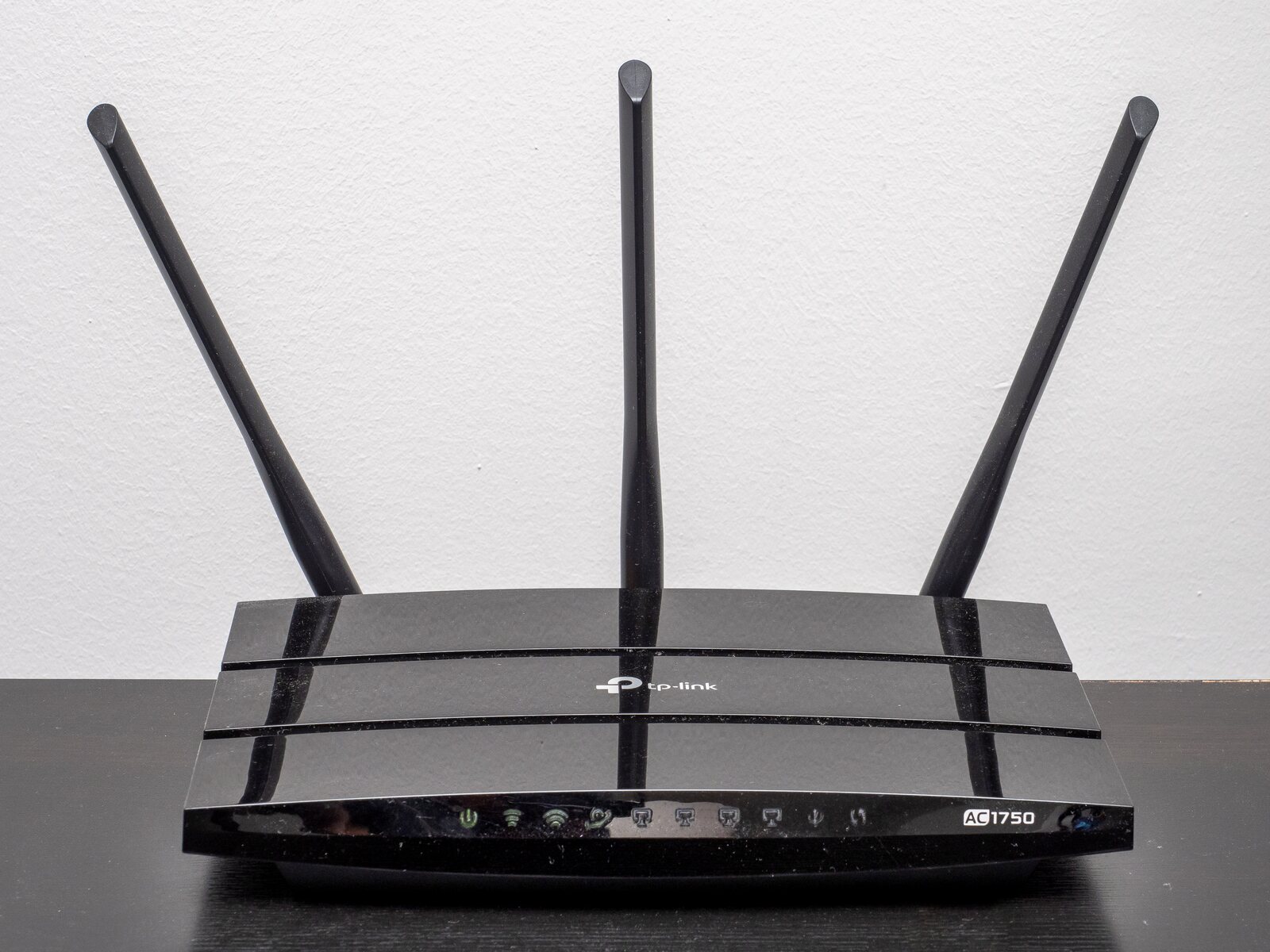
.jpg)
Check the exact:
- Manufacturer
- Model
- Hardware version
- Firmware version
- Region
- ISP customization
Look for:
- End-of-support notice
- End-of-life notice
- Firmware download page
- Security advisory
- Automatic-update status
- ISP equipment policy
FTC recommends keeping router software current and checking with the manufacturer or ISP for updates.[1]
If the router no longer receives security updates, replacement becomes a serious consideration even if basic internet access still works.
Obsolete security
FTC recommends WPA3 Personal or WPA2 Personal.
It says that when a router offers only WPA or WEP, users should update the router software and consider a new router if WPA2 or WPA3 remains unavailable.[1]
Do not keep obsolete whole-network security for one old device.
Replace or isolate the incompatible device when possible.
Persistent instability
Replacement may be justified when the router:
- Reboots unexpectedly
- Drops every device
- Overheats despite proper ventilation
- Loses settings
- Corrupts firmware
- Fails on multiple known-good power and cable checks
- Cannot maintain wired or wireless links
- Requires frequent factory resets
Before replacing:
- Check ISP outage.
- Check modem or gateway.
- Check power supply approved for the router.
- Check ventilation.
- Update firmware.
- Test Ethernet.
- Test another device.
- Restore configuration only when justified.
- Contact manufacturer or ISP.
Do not blame the router for one broken phone, one slow website, or a provider outage.
Coverage is not necessarily router age
Poor coverage can come from:
- Bad placement
- Dense walls
- Metal
- Long layout
- Wrong band
- Interference
- Too few access points
- Poor backhaul
- Client-device limitations
A new single router in the same bad cabinet may perform exactly like an expensive new single router in the same bad cabinet.
Complete the Batch 2 dead-zone process first.
The router may be fast enough even when the internet plan is faster
Suppose:
- Internet plan: 1 Gbps
- Router WAN port: 1 Gbps
- Device Wi-Fi: variable
- Actual use: video calls, streaming, browsing
The household may not need a new router merely because a speed test does not reach the plan’s maximum on one wireless device.
But replacement or redesign may be reasonable when:
- WAN or LAN ports cap the paid service materially
- Multiple clients need higher sustained local throughput
- The router cannot process the connection speed
- Coverage needs additional radios or nodes
- Current security and support are inadequate
Number of devices is not a universal trigger
Marketing claims such as “supports 100 devices” do not tell you how the network performs.
Ten active high-traffic devices can demand more than fifty idle smart switches.
Consider:
- Simultaneous traffic
- Application type
- Airtime
- Band
- Router CPU and memory
- Quality of service
- Interference
- Client capabilities
Replace based on observed and documented limits, not a count of icons in an app.
New Wi-Fi standards
Newer standards may offer:
- More capacity
- Better scheduling
- New bands
- Wider channels
- Improved latency behavior
- Stronger security options
Benefits require compatible:
- Router
- Client
- Band
- Region
- Channel
- Security
- Backhaul
Buying Wi-Fi 7 does not upgrade a Wi-Fi 5 television.
ISP-owned equipment
When the provider owns or rents the gateway:
- Ask whether firmware updates are automatic.
- Ask whether the model remains supported.
- Ask whether a replacement is available.
- Compare rental cost with approved customer-owned equipment.
- Confirm voice, television, authentication, and support requirements.
Do not buy a modem or router before verifying provider compatibility.
Power supply problems
A failing power adapter can imitate router failure.
Use only:
- Manufacturer-approved replacement
- Correct voltage
- Correct polarity
- Correct current capacity
- Correct connector
A plug that fits is not sufficient evidence.
Do not substitute random adapters.
Replacement decision table
| Finding | Replace now? |
|---|---|
| Security updates ended | Strong reason |
| Only WEP/WPA available after current firmware | Strong reason |
| ISP confirms provider gateway fault | Replace or exchange |
| Router stable and supported | No automatic need |
| One dead room | Fix placement or add coverage first |
| One device is slow | Troubleshoot device first |
| Wired and Wi-Fi fail after supported checks | Replacement may be justified |
| Internet plan exceeds old port capability | Consider if actual need exists |
| New standard exists but current network works | Optional, not mandatory |
What to save before replacement
Record:
- ISP login or activation information
- Network name
- Wi-Fi password
- Admin settings
- DHCP reservations
- Port forwarding
- Guest network
- Parental controls
- VPN configuration
- Access-point topology
- Device list
Do not copy insecure settings blindly.
Dispose or reuse safely
Before disposal:
- Factory-reset according to manufacturer instructions.
- Remove account association.
- Remove saved credentials where supported.
- Remove USB storage.
- Recycle through an appropriate electronics program.
An unsupported old router should not become the household’s new security camera gateway because it was free.
Frequently asked questions
Should routers be replaced every five years?
Five years may be a planning checkpoint, but it is not a universal safety or performance deadline. Check support and actual needs.
Does a new router increase internet speed?
Only when the old router is the bottleneck. The ISP plan and device still matter.
Should I replace a router that lacks WPA3?
Not automatically when it supports current WPA2 Personal and receives updates. Replace it if only obsolete security remains or other needs justify it.
Can a router last ten years?
It may still function, but support, security, ports, standards, and power supply must be evaluated.
Is renting an ISP router safer?
Provider-managed updates can be useful, but support, cost, features, and privacy vary.
Related guides
Source notes
- How To Secure Your Home Wi-Fi NetworkFederal Trade Commission
- Securing Your Internet-Connected Devices at HomeFederal Trade Commission
- Faster and more secure Wi-Fi in WindowsMicrosoft Support
- Recommended settings for Wi-Fi routers and access pointsApple Support
See something wrong or out of date? Report a correction.