
Does Unplugging Appliances Save Electricity?
It can. Some devices draw standby power while appearing off, but the amount and practical benefit vary, so measure and prioritize devices that can safely lose power.
What to know
- Standby power is real but varies by device and operating state.
- An outlet power meter can identify worthwhile targets.
- Do not cut power to devices that need continuous operation, safety functions, updates, or a controlled shutdown.
Unplugging an appliance can reduce electricity use if that appliance draws power while it appears off. The amount is not universal. Displays, remote controls, network connections, sensors, battery chargers, and “instant-on” features can keep some products using power in standby, while other devices draw very little or fully disconnect. The useful question is not “Does unplugging work?” but “Which safe-to-switch devices in this home have measurable standby use?”
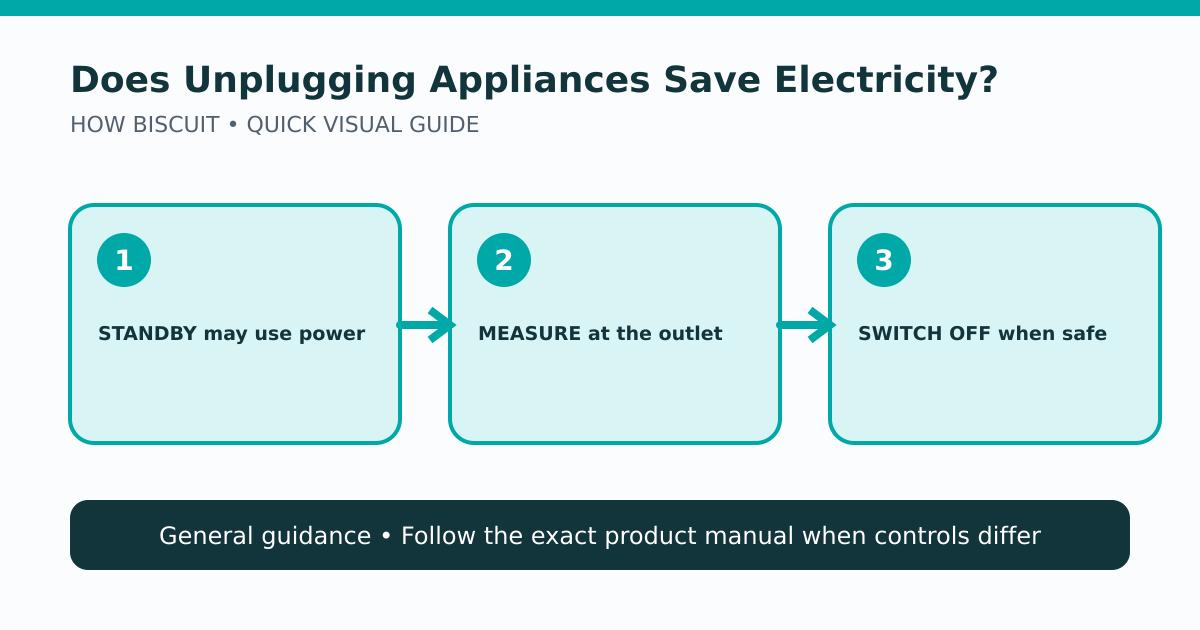
The lead diagram puts measurement before inconvenience. It also includes a safety decision that simple savings tips often omit.
What standby power means
The U.S. Department of Energy describes standby power as electricity used when a product is switched off or otherwise not performing its primary purpose. DOE’s measurement guidance distinguishes modes because a product can have off, standby, networked standby, and active states. [1] A television awaiting a remote command and a network device maintaining a connection are therefore not identical cases.
Do not infer consumption from a glowing light alone. A light can be visible on a low-draw device, while an unlit product may still power internal electronics. Product documentation or an appropriate plug-in power meter provides better evidence.
Pick practical targets
Start with clusters that spend long periods idle and can tolerate a complete power loss: an entertainment setup, desktop accessories, a seldom-used printer, or chargers left connected after the device is removed. DOE consumer guidance recommends unplugging chargers and equipment when not in use and using power strips as a convenient control. [2] DOE’s office checklist similarly includes unplugging equipment that is not being used and enabling power-management features. [3]
Those recommendations do not mean every plug should be pulled. Leave refrigerators, freezers, medical equipment, security systems, leak detectors, networking needed for emergency communication, and other continuous-duty or safety-critical products operating as intended. Some electronics need a normal software shutdown before power is removed. Others may lose clocks, recordings, settings, updates, or remote access.
Measure instead of guessing
For a standard plug-in device within a meter’s rating, an outlet power meter can show watts in the actual idle state. Read and follow both the meter and device safety instructions. Measure long enough to capture cycling behavior; a printer or audio receiver may wake briefly even when it looks idle.
To estimate energy, multiply average watts by hours and divide by 1,000 to get kilowatt-hours. A cost estimate then uses the applicable electricity rate. Keep estimates labeled as estimates: time in each mode and rates change, and a short observation may miss automatic cycles.
If a device is hard-wired, high-power, 240-volt, safety-critical, or outside the meter’s rating, do not improvise a measurement. Use product energy documentation or qualified help.
Use a control that fits the routine
A switched power strip can make a safe group easier to disconnect. It is not automatically a surge protector, and neither product increases an outlet’s safe capacity. Do not connect major appliances or space heaters through a strip unless the manufacturer explicitly allows it. Keep ventilation clear and replace a damaged cord or strip.
Smart plugs add their own standby draw and have load limits. They may be useful for scheduling, but compare their documented consumption and rating with the device being controlled. A built-in sleep or power-management mode can sometimes preserve needed functions with less disruption.
Limits of this guidance
This article makes no promise about dollars, percentages, or payback and reports no measurements. The result depends on each device, local rates, and the time spent in each mode. Product safety instructions and continuity needs take priority over reducing standby use.
Limits and cautions
- No universal dollar or percentage savings is claimed.
- Electrical rates, device behavior, and household usage vary.
- No appliance or power meter was evaluated for this article.
Source notes
- Measuring Standby PowerU.S. Department of Energy
- Earth Day Every Day: Sustainable Practices for Work and HomeU.S. Department of Energy
- Office Energy ChecklistU.S. Department of Energy
See something wrong or out of date? Report a correction.