
Best Place to Put Your Wi-Fi Router
Start with a central, elevated, open location. Avoid cabinets, corners, floors, televisions, metal objects, large appliances, and aquariums. Test several realistic positions before buying an extender or mesh system.
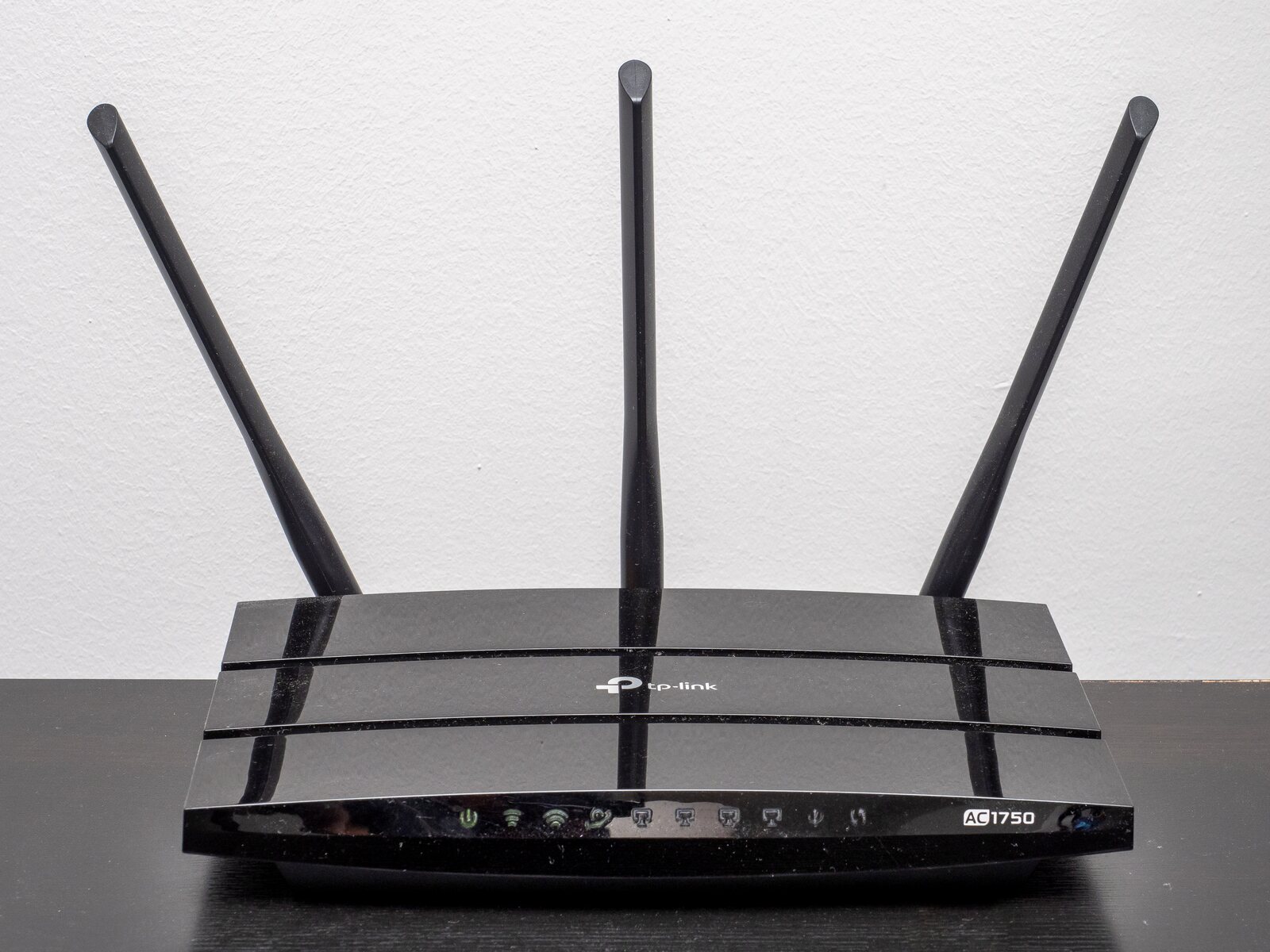
.jpg)
The best place for a Wi-Fi router is usually near the center of the area that needs coverage, out in the open, off the floor, and away from dense obstacles.
That does not always mean the geographic center of the house. The useful center depends on where people actually use Wi-Fi, where the modem connection enters, and what the walls and floors are made of.
Quick answer: Start with a central, elevated, open location. Avoid cabinets, corners, floors, televisions, metal objects, large appliances, and aquariums. Test several realistic positions before buying an extender or mesh system.
Think about the coverage area, not the house outline
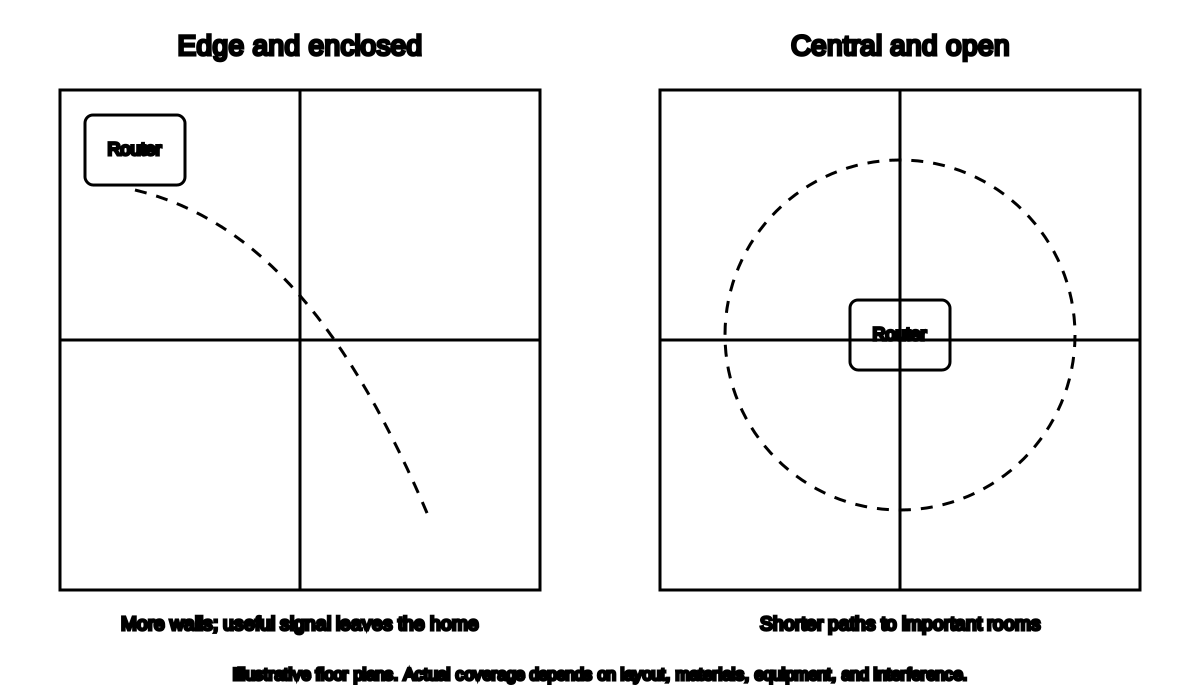
Illustrative floor plans compare longer obstructed paths with shorter paths from a central open location. Actual coverage depends on the home and equipment.
A router near the center of an unused basement is not central to a household that works and streams upstairs.
Mark the rooms that matter most:
- Home office
- Living room
- Bedrooms
- Kitchen
- Workshop
- Porch or yard, if needed
Then look for a location that reduces the number and density of obstacles between the router and those rooms.
Google identifies distance, walls, building materials, interference, and router placement as major Wi-Fi performance factors.[1]
Put it in the open
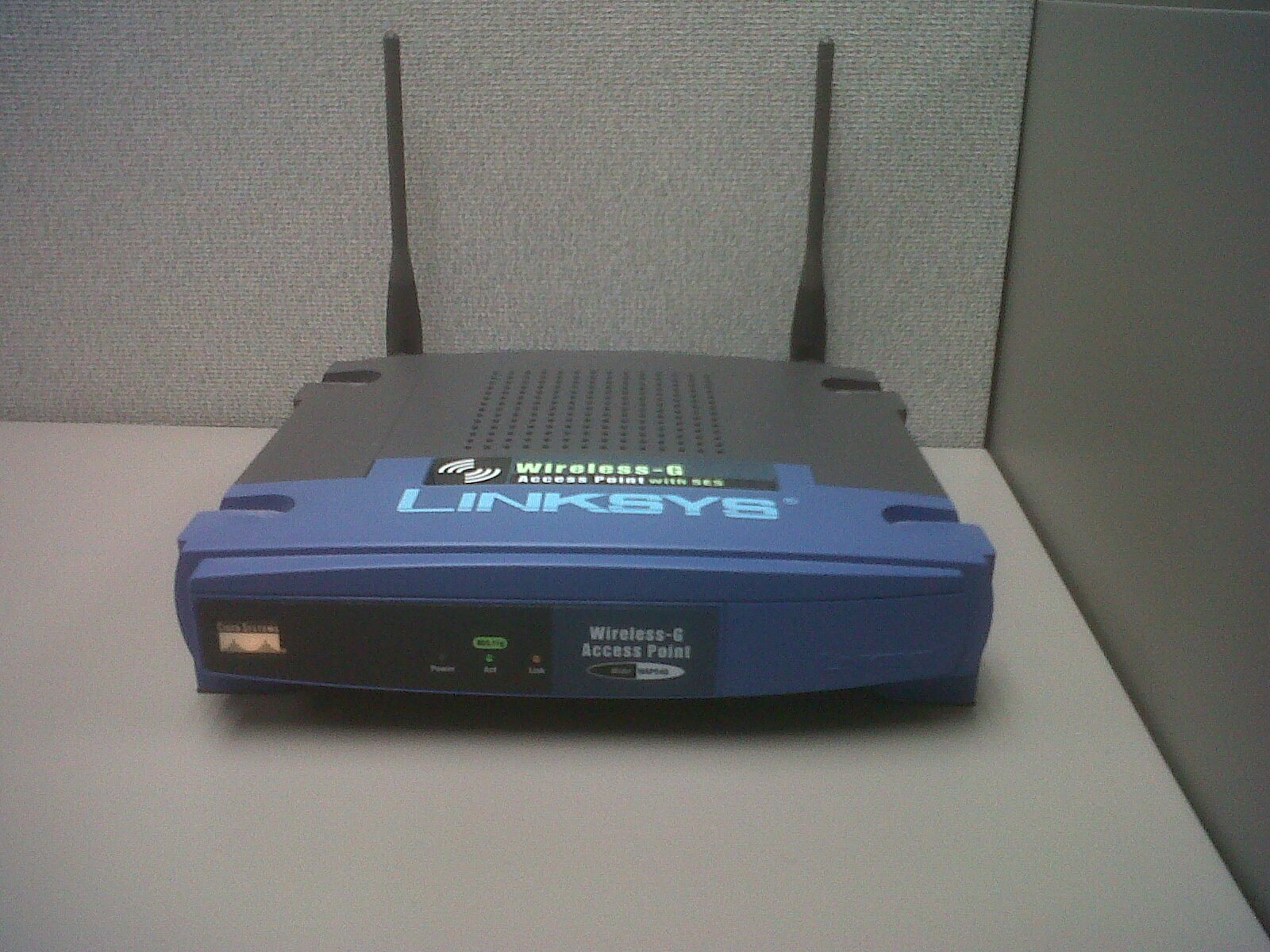

Wi-Fi signals must travel through whatever surrounds the router.
Avoid placing the router:
- Inside a closed cabinet
- Behind a television
- Under a metal desk
- In a media console packed with electronics
- Behind stacks of books
- Inside a closet
- On the floor behind furniture
A router can look untidy in the open. It can also function there, a regrettable conflict between radio propagation and interior decorating.
Use a small open shelf, wall shelf, or stable table where the equipment has ventilation.
Raise it off the floor
A router on the floor immediately spends part of its coverage pattern interacting with furniture, people, and the building structure.
Try:
- A shelf
- A desk
- A high open cabinet top, if ventilation is adequate
- A wall-mounted position approved by the manufacturer
There is no universal magic height. The practical goal is to reduce nearby obstructions and improve the path toward occupied rooms.
Do not mount the router in a way that blocks vents, strains cables, or violates its orientation requirements.
Move it away from dense barriers
Common obstacles include:
- Concrete and masonry
- Brick and stone
- Metal ductwork
- Electrical panels
- Refrigerators and large appliances
- Large mirrors
- Aquariums
- Foil-backed insulation
- Several walls at a diagonal
A signal crossing one wall straight on may travel through much less material than a signal crossing the same wall at a shallow angle.
The supplied placement diagram shows why a router at one edge often sends much of its useful coverage outdoors or into low-priority rooms.
Avoid the kitchen and utility room when possible
The kitchen contains several difficult neighbors:
- Microwave oven
- Refrigerator
- Metal appliances
- Water
- Dense cabinetry
- Many electrical devices
Google lists microwaves and baby monitors among potential interference sources.[1]
A utility room may add:
- Metal HVAC equipment
- Electrical panels
- Water heater
- Pipes
- Dense mechanical systems
Sometimes the internet cable enters in exactly the worst possible place because installers, unlike radio waves, are governed by convenience. A longer Ethernet cable can often let the router move away from the modem or gateway.
Keep it ventilated
Routers generate heat and need airflow.
Do not:
- Cover the router
- Stack equipment directly on it
- Put it on a radiator
- Place it in direct intense sun
- Enclose it in an unventilated cabinet
- Set it where liquids can spill
If the router becomes unusually hot, reboots, or smells abnormal, disconnect it safely and consult the manufacturer or provider.
In a one-story home
Start near:
- The center of the occupied rooms
- A hallway connecting several rooms
- An open living area
- The office if reliable work connectivity is the priority
Avoid a corner exterior room unless most Wi-Fi use happens there.
In a two-story home
A useful starting point may be:
- Near the center of the first floor
- Near an open stairwell
- On the upper floor if most use is upstairs
- Between the most important rooms rather than at the modem entry point
Floors can be substantial barriers, especially when they contain concrete, metal, plumbing, or ductwork.
Test both floors before committing to cable routing.
In a long or narrow home
One router at an extreme end may struggle at the opposite end even if the total square footage is modest.
First try:
- Moving the router toward the middle
- Using existing Ethernet to relocate it
- Placing it in a central hallway
- Reducing the number of walls between it and the distant room
If the building geometry still leaves weak coverage, an additional wired access point or well-designed mesh system may eventually be justified.
Should the router be near a window?
A window can reduce one type of wall obstruction, but it may direct useful coverage outdoors. A windowsill can also expose the router to heat, cold, condensation, or direct sunlight.
Use a window location only when it improves the actual required coverage and remains within the equipment’s environmental limits.
Should the router be near the television?
Usually not directly behind it.
A television, media cabinet, console, and connected equipment can obstruct or interfere with the signal. If the router must stay nearby:
- Place it beside or above the television
- Keep it in the open
- Separate it from other electronics
- Avoid bunching power and Ethernet cables around the antennas
What about antenna direction?
There is no universal “one antenna up and one sideways” rule that applies to every router.
Internal antenna design, external antenna pattern, polarization, and manufacturer assumptions vary. Follow the exact manual. If the antennas are adjustable and the manual gives no guidance, test one change at a time rather than arranging them according to internet folklore.
Do not force an antenna past its normal range.
A three-position test
Before buying anything, choose three safe locations:
- Current position
- More central and open position
- Elevated position with fewer obstacles
At each location:
- Use the same test device
- Test beside the router
- Test in each problem room
- Run three tests per location
- Record connection band if available
- Note disconnects, not only speed
Choose the position that improves the worst important room without creating a new failure elsewhere.
When moving the router is difficult
The router may be tethered to:
- Cable or fiber equipment
- Telephone wiring
- A provider-installed gateway
- A short Ethernet cable
- A power outlet
Possible low-cost solutions include:
- A longer Ethernet cable between modem and router
- Moving only the Wi-Fi router while leaving the modem
- Using an existing wall Ethernet jack
- Asking the provider whether the gateway can be relocated
Do not extend fiber, coax, or telephone wiring casually. Some connections require provider service or specific cable types.
Frequently asked questions
Is the center of the house always best?
No. The goal is the center of the important coverage area, with as few dense obstacles as practical.
Can I put a router in a closet?
It may work, but the enclosure can reduce signal and trap heat. An open location is usually better.
Is upstairs or downstairs better?
It depends on where devices are used and how the floors are built. Test both.
Should I place the router high?
Raise it enough to reduce furniture and floor-level obstruction, but keep it stable, ventilated, and within the manufacturer’s placement instructions.
Can I place the router next to the modem?
Yes, but you do not have to. A longer Ethernet cable may allow better placement.
Related Wi-Fi guides
- Diagnose slow Wi-Fi first
- Fix dead zones without buying anything
- Compare 2.4 GHz and 5 GHz Wi-Fi
- Use the printable dead-zone checklist
Source notes
- How to improve Nest Wifi Pro, Nest Wifi or Google Wi-Fi speed and performanceGoogle Nest Help
- Wi-Fi and your home layoutMicrosoft Support
- Recommended settings for Wi-Fi routers and access pointsApple Support
See something wrong or out of date? Report a correction.