
Why Is My Dehumidifier Running but Not Collecting Water?
Check the room with a separate hygrometer. If RH is already near the setpoint, little water may be normal. If RH is high, the room is warm, airflow is clear, and the unit never collects water, the appliance may need service or replacement.
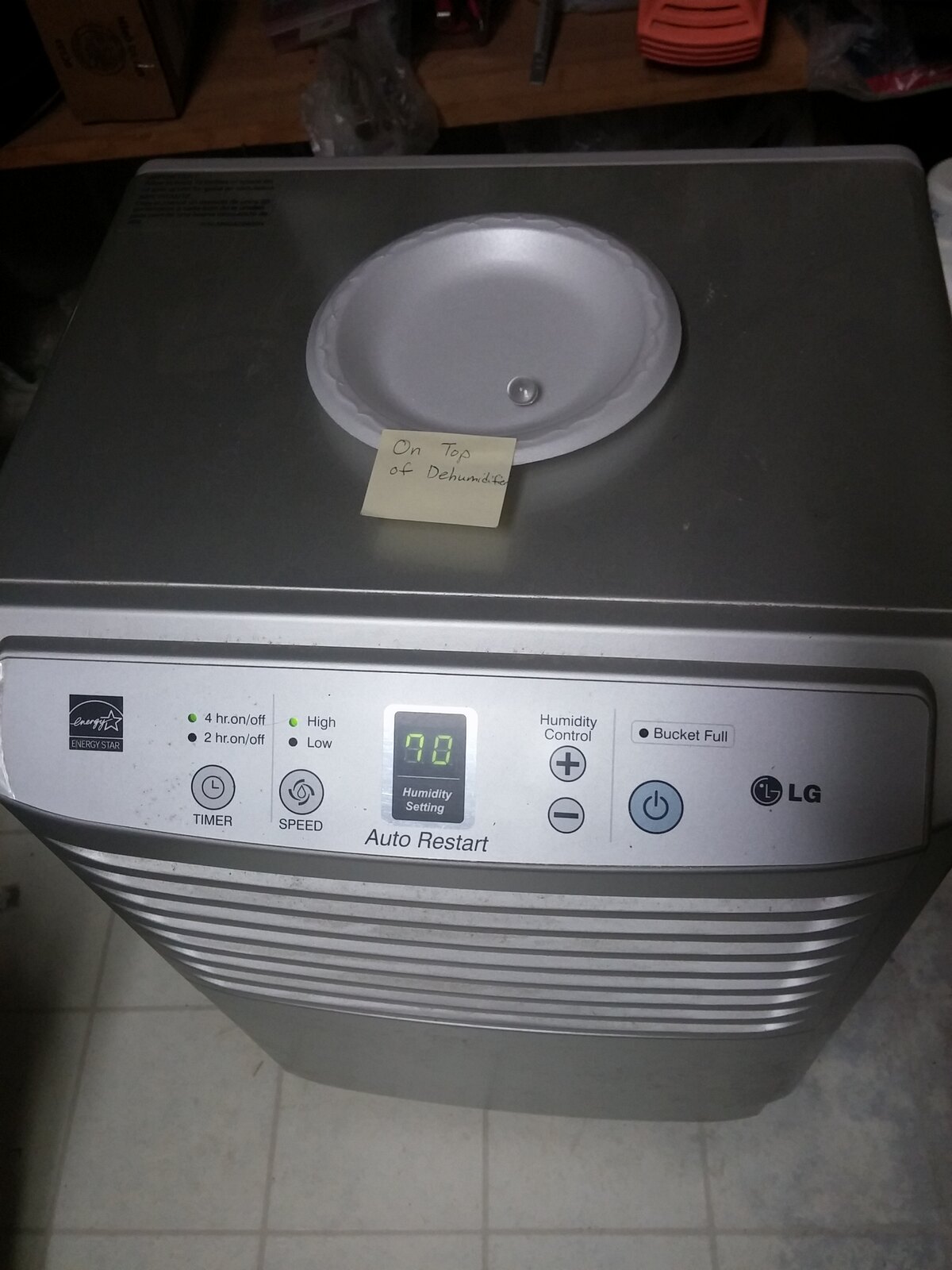

A dehumidifier can run without collecting water when:
- The room is already below the humidity setting
- The air contains little moisture
- The room is too cold
- Frost has formed on the coils
- Airflow is blocked
- The bucket is full or installed incorrectly
- A drain hose is carrying water elsewhere
- The humidistat reading is wrong
- The compressor is not operating
- The unit is malfunctioning
Quick answer: Check the room with a separate hygrometer. If RH is already near the setpoint, little water may be normal. If RH is high, the room is warm, airflow is clear, and the unit never collects water, the appliance may need service or replacement.
First define the problem
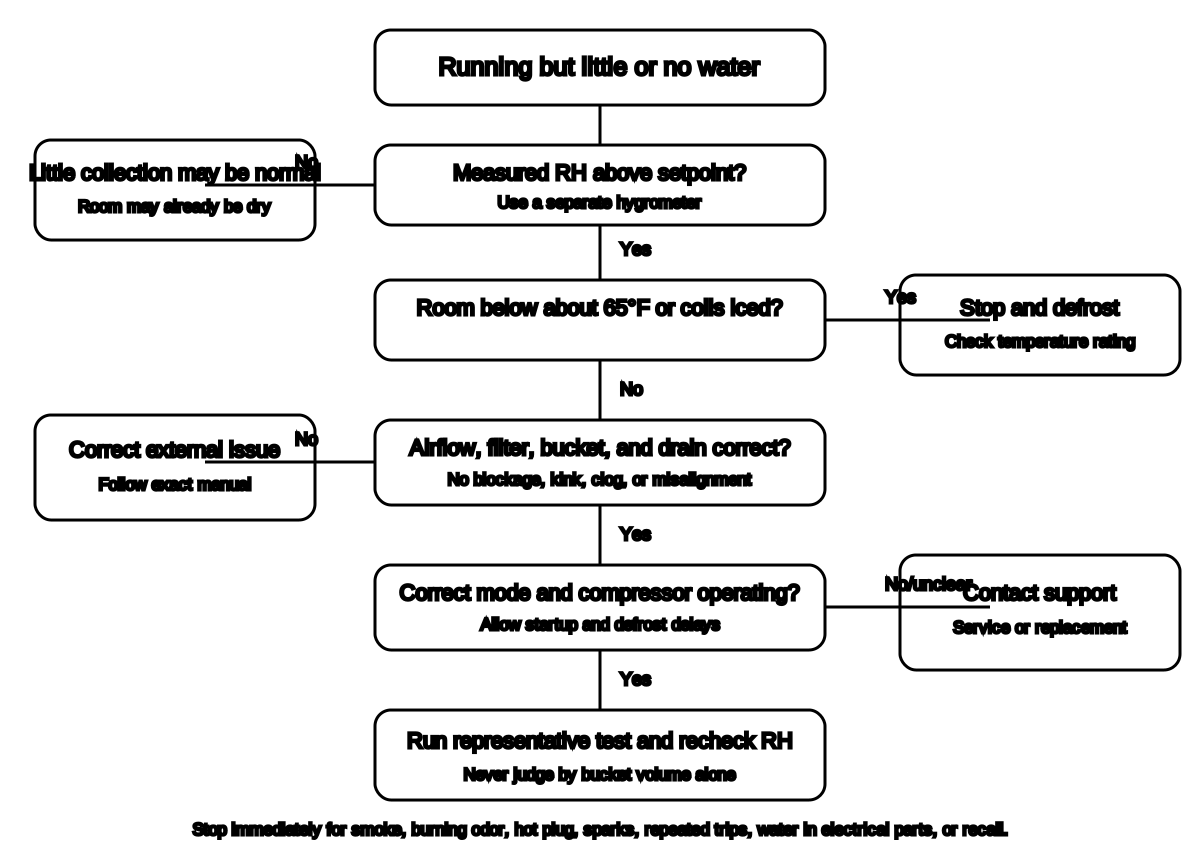
These are different complaints:
- No water in the bucket
- No water leaving the drain hose
- The room RH is not falling
- The fan runs but the compressor does not
- The coils freeze
- The unit shuts off
A dehumidifier connected to continuous drainage may collect no bucket water because the water is leaving through the hose.
A unit may also collect little water after it has already reached the target RH.
Step 1: Check room humidity independently
Use a separate hygrometer.
Record:
- Room RH
- Room temperature
- Dehumidifier setting
- Fan operation
- Compressor sound
- Water collected
- Time
If the room is:
- 45% RH
- Set to 50% RH
the unit should not need to remove water.
GE states that a dehumidifier will not collect water when the area’s RH is below the appliance’s set humidity.[1]
Frigidaire similarly notes that little water can be extracted when the room is below about 40% RH and at low temperature.[2]
Step 2: Lower the setpoint temporarily
For diagnosis only:
- Set a target several points below measured RH.
- Use a supported normal mode.
- Allow the startup delay described in the manual.
- Listen for compressor operation.
- Recheck after a reasonable period.
Do not leave the setting unnecessarily low after diagnosis.
A 35% target can cause excessive runtime in an ordinary basement.
Step 3: Check room temperature
ENERGY STAR warns that frost can form on dehumidifier coils below about 65°F and reduce performance.[3]
Signs include:
- Ice on coil
- Repeated compressor cycling
- Fan running with little water
- Long defrost periods
- Water collection stopping overnight
If frost is visible:
- Turn the unit off.
- Unplug it if the manual directs.
- Allow it to defrost.
- Do not scrape ice from coils.
- Do not use a heat gun or open flame.
- Move it to an appropriate temperature if practical.
- Use a low-temperature-rated model when needed.
Do not operate a unit outside its specified temperature range.
Step 4: Check airflow
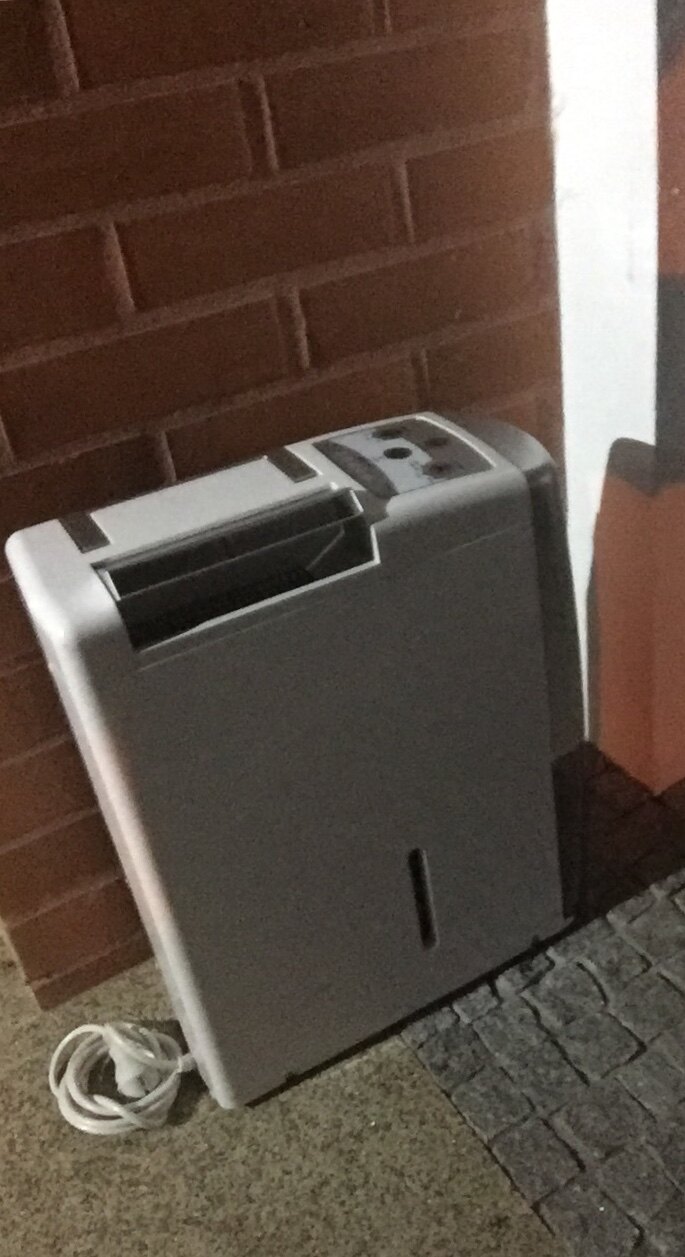

Blocked airflow reduces moisture removal.
Check:
- Filter
- Intake grille
- Discharge grille
- Wall clearance
- Furniture
- Curtains
- Dust
- Stored boxes
- Bent or damaged external grille
Frigidaire instructs users to keep airflow unobstructed and clean the filter according to the manual.[2]
Do not open the cabinet or bend refrigeration coils.
Step 5: Check the bucket
Many portable dehumidifiers stop the compressor when the bucket is:
- Full
- Missing
- Misaligned
- Not seated
- Holding a stuck float
Procedure:
- Turn off the appliance.
- Remove the bucket.
- Empty it.
- Inspect for cracks.
- Check the float moves freely without forcing it.
- Reinstall the bucket fully.
- Confirm the full-bucket indicator clears.
Follow the exact manual.
Do not defeat the bucket switch or tape the float down.
Step 6: Check continuous drainage
If a hose is attached, no bucket water may be expected.
For a gravity drain:
- Hose must slope down from the unit.
- Hose should lie as straight as possible.
- No uphill loop.
- No kink.
- No submerged outlet.
- Drain must remain open.
- Hose diameter must meet the manual.
Frigidaire warns that small hoses can clog and that the hose should remain below the connection with no kinks.[4]
A blocked hose may cause water to back into the bucket or stop operation.
Step 7: Check the mode
Possible modes include:
- Automatic humidity control
- Continuous
- Comfort
- Dry
- Laundry
- Fan only
- Defrost
- Timer
- Pump
Confirm the unit is not:
- In fan-only mode
- Waiting on a timer
- In defrost
- Paused because of full bucket
- Set above current RH
- Using a pump setting without correct hose installation
Mode names are model-specific.
Do not apply another manufacturer’s instructions.
Step 8: Listen for the compressor
A fan can run without active dehumidification.
After any startup delay, you may hear:
- Compressor start
- Change in sound
- Warm discharge air
- Condensate beginning later
Do not rely on sound alone.
If the fan runs continuously but:
- RH stays high
- Room is warm
- Airflow is clear
- No frost forms
- No water is collected
- Compressor never appears to start
the unit may have an electrical, sensor, refrigerant, or compressor problem.
GE advises service or replacement when the unit never collects water under conditions where it should.[1]
Step 9: Check placement
Portable units need air circulation.
ENERGY STAR notes that many top-discharge models can sit closer to a wall, while other discharge arrangements require clearance.[3]
Avoid:
- Closed closet
- Furniture pressed against grille
- Thick carpet blocking base vents
- Corner behind boxes
- Direct heat source
- Direct cold-air blast
- Open exterior door
- Standing water
Use a level, stable, dry surface.
Step 10: Compare the built-in humidistat
Put a separate hygrometer near, but not in, the discharge air.
Allow both devices to stabilize.
A difference of a few percentage points may be normal.
A large persistent difference can cause:
- Early shutoff
- Continuous operation
- Failure to reach target
- Misleading diagnosis
Follow manufacturer calibration or sensor guidance if available.
Do not spray cleaner or water into the humidity sensor.
When collection is naturally low
Little water can be normal when:
- RH is near the target
- Weather turned dry
- Heating lowered relative humidity
- Air conditioner is already removing moisture
- Moisture source stopped
- Room is small
- Unit recently completed initial drying
- Drain hose is working
- Room is cold
Judge success by room RH and moisture condition, not bucket drama.
When to stop using the appliance
Unplug and stop using it when:
- Smoke
- Burning odor
- Melted plug
- Hot outlet
- Arcing
- Repeated breaker trips
- Water reaches electrical parts
- Cabinet is damaged
- Power cord is frayed
- Recalled model
- Compressor makes severe abnormal noise
Search the exact brand, model, date code, and serial range in the CPSC recall database.
Several large dehumidifier recalls have involved overheating and fire hazards.[5][6]
Do not repair the sealed system yourself
Do not:
- Open electrical panels
- Bypass switches
- Add refrigerant
- Pierce tubing
- Replace compressor
- Modify drainage internally
- Substitute a random power cord
- Use an extension cord unless expressly permitted
A low-cost portable unit may not be economically repairable, but the decision should come after the safe external checks.
A 30-minute diagnostic sequence
- Measure room RH and temperature.
- Confirm room is above target.
- Lower setpoint temporarily.
- Wait through startup delay.
- Check airflow.
- Clean filter if required.
- Empty and reseat bucket.
- Inspect drainage.
- Confirm mode.
- Check for frost.
- Confirm compressor appears to operate.
- Recheck RH after a longer representative period.
If the room stays humid and the unit collects nothing, contact support.
Frequently asked questions
Why is the fan running but no water appears?
The room may be below setpoint, the unit may be in fan or defrost mode, the compressor may be off, or drainage may bypass the bucket.
How long before a dehumidifier collects water?
It depends on RH, temperature, capacity, room size, and setting. In very humid conditions, collection may begin within the first operating period; in a dry room it may collect little.
Why does it collect water during the day but not at night?
The room may become cooler, causing frost or less moisture availability. Heating, outdoor conditions, and HVAC operation may also change RH.
Is warm air from the unit normal?
A refrigeration dehumidifier normally returns warmer, drier air to the room. Excessive heat, burning odor, or a hot plug is not normal.
Should I use continuous mode?
Use it for a temporary high-moisture load when the manual supports it. Return to humidistat control once the room reaches the target.
Related guides
- What Humidity Should Your House Be?
- What Size Dehumidifier Do You Need?
- How Much Does a Dehumidifier Cost to Run?
- Home Humidity and Dehumidifier Checklist
Source notes
- Dehumidifier - Not Collecting WaterGE Appliances
- Dehumidifier Not Collecting WaterFrigidaire
- DehumidifiersENERGY STAR
- Dehumidifier Not DrainingFrigidaire
- RecallsU.S. Consumer Product Safety Commission
- Gree Recalls 1.56 Million DehumidifiersU.S. Consumer Product Safety Commission
See something wrong or out of date? Report a correction.